How to Open MSG File in Thunderbird?


If you are having trouble opening your MSG files in Thunderbird well you are not alone here as many users receive Outlook MSG files from their colleagues or legal teams or old email backups and they quickly find that Thunderbird is not able to open them directly. This confusion wastes time, messes up email formatting and can even cause attachments to go missing now in this guide “How to Open MSG File in Thunderbird” I will show you all the easy manual methods for opening your MSG files in Thunderbird, explain their limitations, and provide you a better solution for when the manual methods fail.
Table of Contents:
- Why Opening MSG in Thunderbird Is Difficult
- MSG File & Thunderbird Limitation
- Manual Ways to Open MSG in Thunderbird
- Why Manual Methods Fail
- Open MSG in Thunderbird Without Data Loss
- Best Solution for Bulk MSG Files
- Manual vs Automated Method
- Common MSG File Opening Issues
- Best Practices Before Opening MSG Files
- Frequently Asked Questions
- The Bottom Line
Why It is Difficult to Open MSG File in Thunderbird
So moving further or attempting any manual solution it is equally important to understand what is causing the problem.
First thing to understand is that Thunderbird is an open source email client that does not handle MSG files natively whereas Microsoft Outlook creates MSG files and entirely depends on Outlook’s internal message structure. Users frequently encounter issues like blank previews or files that just won’t open as a result of this format incompatibility.
Because of this issue many users started searching for answers here on how to open MSG files in Thunderbird.
What Is an MSG File and Why Thunderbird Can’t Read It
An MSG file is a single Outlook email message that may include the following:
- Email headers (From, To, Subject, Date)
- Message body (HTML or plain text)
- Attachments
- Embedded images
- And metadata/timestamps
Thunderbird does not include the proprietary libraries required to interpret MSG data as a result:
- Double-clicking MSG files does nothing
- Import attempts fail
- Attachments don’t load correctly
- Folder structure cannot be preserved
This limitation becomes more painful when you deal with multiple MSG files instead of just one.
Open MSG File in Thunderbird Using Manual Methods
Some manual techniques are available but they are only effective in certain circumstances so let’s be honest about them.
Method 1- Open MSG File Using Outlook and Forward to Thunderbird
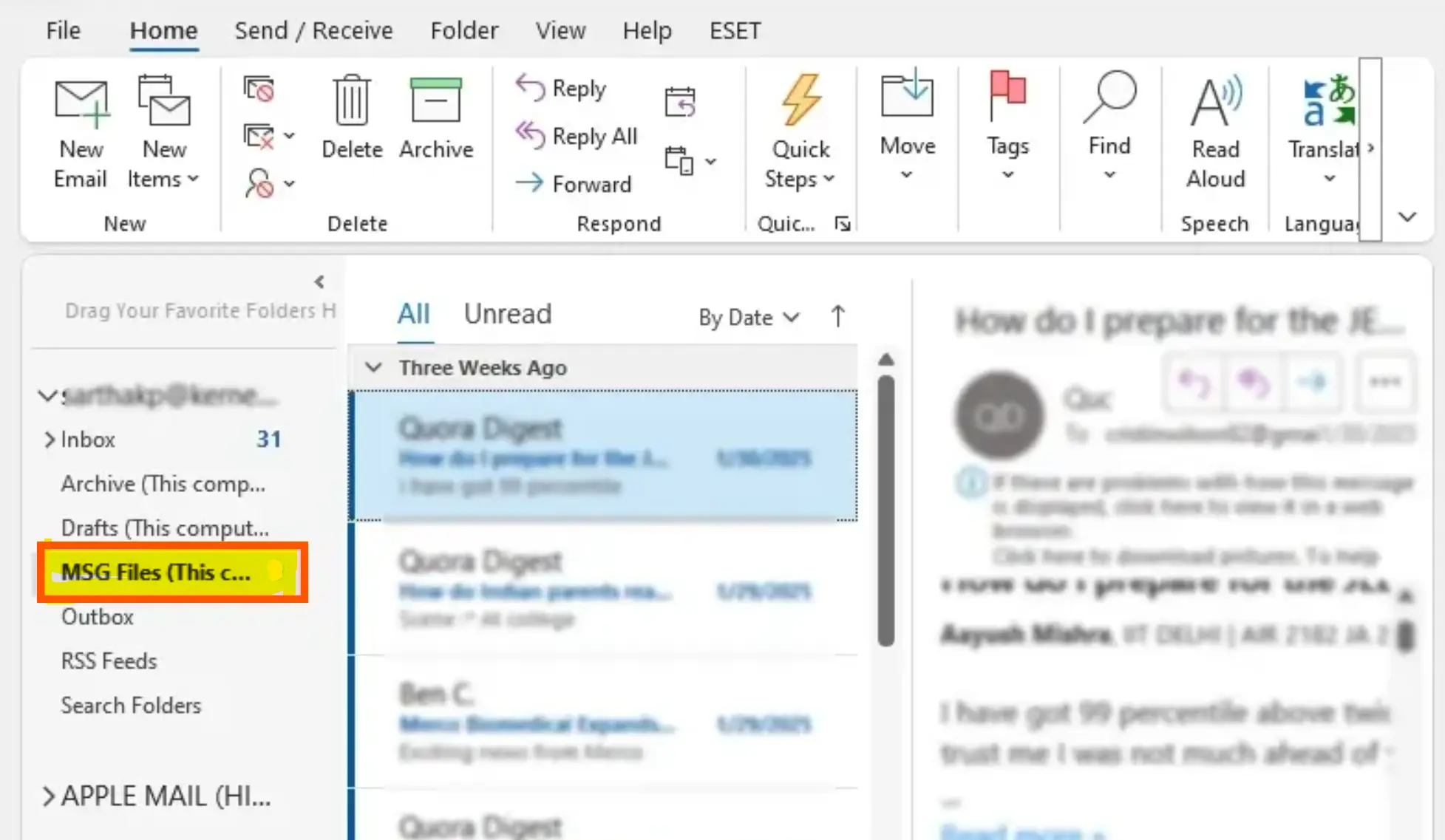
This is the most commonly suggested workaround find the following steps you need to perform
- Just open MSG file in Outlook
- Forward email to your Thunderbird account
- And access it inside Thunderbird
You also need to check when this method is best and when it works
- When you have Outlook installed
- If you are handling only 1 or 2 MSG files
And now check below some limitations of this method
- Original metadata may change
- Time-consuming for multiple MSG files
- Not suitable for legal or compliance emails
- Requires Outlook installation
So that is why this method does not scale and it becomes impractical for use.
Method 2- Convert MSG to EML Manually
This is also known as a single file method where users can try converting their MSG to EML format by following the simple steps:
- Open MSG file in Outlook
- Now save or drag it as an EML file
- And import the EML file into Thunderbird
Some of the advantages of using this methods are as:
- Thunderbird supports EML
- No advanced tools required
With advantages there are major drawbacks too which you must know before implementing these are:
- Works for one file at a time
- Folder hierarchy is lost
- Attachments may break
- Not reliable for large email sets
Note:- You also need to understand that this approach often fails when you want to open an MSG file in Thunderbird for bulk MSG collections.
Why Manual Methods Fail for Most Users
Based on practical scenarios I can tell you that manual solutions are failed as because users usually have
- Hundreds or thousands of MSG files
- No Outlook installed
- Legal, forensic, or business email archives
- Need to preserve email authenticity
- Attachments intact needed
Manual attempts also increase the risk of your important data loss or corrupted emails and also formatting issues.
How to Open MSG File in Thunderbird Without Data Loss
At this point you must have to change your approach so the correct method is to convert your MSG files into a Thunderbird compatible format while maintaining data integrity rather than trying to open the MSG files directly with Thunderbird.
When you believe accuracy and volume are important, this is the safest approach for you to open an MSG file with Thunderbird.
A Smarter Way for Bulk MSG Files
If you are dealing with multiple MSG files and professional emails with sensitive data then you must use a reliable MSG conversion tool as this is the only practical solution you can trust.
This is where the DataHelp MSG to PST Converter Tool comes in handy. Check below what you can do with this reliable software
-
- You can convert multiple MSG files at once
- Preserve your folder structure
- Maintain email headers and timestamps
- You can keep attachments intact
- Preview emails before conversion
- Avoid Outlook dependency
After converting your PST files – they can be easily imported into Thunderbird using an intermediate format or supported methods. This method is frequently used by corporate users or legal experts and IT administrators.
Manual vs Automated – Which Method Is Best?
A clear comparison to help you choose the safer and more efficient approach
| Feature | Manual Methods | Automated Tool |
|---|---|---|
| Support for Bulk MSG | No | Yes |
| Hierarchy of folders | Lost | Preserved |
| Attachments | Risky | Safe |
| Integrity of metadata | Altered | Maintained |
| Efficiency of time | Slow | Fast |
| Dependency on Outlook | Required | Not required |
Well from the above comparison table this is very clear why people who search online for how to open MSG files in Thunderbird decide to use a professional solution.
Common Problems While Opening MSG Files
Check below what many users face while they try to open MSG files. These are the issues over the years reported by users across the multiple forums and support communities.
- MSG files not opening at all
- Empty email body after import
- Missing attachments
- Incorrect encoding
- Thunderbird freezing during import
- Loss of original email dates
Above all these scenarios I can tell you these are not random issues as they are the symptoms of unsupported file handling.
Best Practices Before Opening MSG Files
You can use these practical steps to avoid mistakes:
- Always work on copies of MSG files
- Avoid renaming file extensions manually
- Do not repeatedly import failed files
- Keep original backups untouched
- Choose a read only conversion method
By following these practical steps chances will increase success when you try to open an MSG file in Thunderbird safely.
Frequently Asked Questions
Q1. Can Thunderbird open MSG files directly?
Not at all Thunderbird does not natively support MSG files so you can not open files directly.
Q2. Is Outlook required to open MSG files?
If you are using manual methods yes you need Outlook installed but if you are using Tool then you do not need Outlook installation.
Q3. Can I open multiple MSG files in Thunderbird?
No you can not manually open but bulk access requires conversion.
Q4. Is converting MSG files safe?
Yes that 100% safe if you are using a reliable and read only conversion solution.
The Bottom Line
Because Thunderbird is not able to handle your MSG files so if you attempt to open them directly in Thunderbird can rapidly become annoying. So here, using manual approaches will be effective for one or two emails only as they frequently fail in practical scenarios when timeliness and accuracy are important for you.
So smartly selecting the right strategy is more important if you want to maintain your emails original structure, attachments, and your content. Here you may prevent needless data loss and can save time. Also make sure your emails are still accessible when you need them most by knowing how to open MSG files in Thunderbird correctly.