NSF to PST Converter Software

Convert Lotus Notes database files into Outlook PST format with advanced DataHelp NSF to PST Converter Software. Easily migrate IBM Notes data including emails, contacts and calendars with maintaining complete structure and data integrity.

  • Convert Lotus Notes NSF to PST Without Data Loss.
  • Bulk Convert Entire NSF Files to PST Format Easily.
  • Export Emails, Contacts, Calendars, Task, Notes, etc.
  • Convert Emails, Contacts, Tasks, Calendars, Journals, Notes.
  • Maintain Folder Hierarchy and Data Integrity Intact.
  • Capable of Export Large Size NSF Files to PST Format.
  • Secure and Reliable Lotus Notes to Outlook PST Migration Tool.

Free Live - Trusted Worldwide, DataHelp NSF to PST Converter Wizard Fully Secured Download Version

DataHelp NSF to PST Converter Tool

Award

Virus Total Safe

Download with Confidence: Certified Clean by 70+ Antivirus Engines

What Data Gets Converted from NSF to PST

NSF to PST Converter Tool to Export Lotus Notes NSF Data

Email

Emails

You can convert complete NSF emails to PST format including your inbox, sent items, drafts and custom folders with intact formatting and structure.

Attachments

Attachments

You can extract all your attachments from Lotus Notes database and maintain file integrity during the migration into Outlook PST format.

Contacts and Calendars

Contacts & Calendars

You can export contacts, address books and calendar entries from the IBM Notes NSF files into Outlook supported PST files format efficiently.

Mailbox Structure

Mailbox Structure

Software is fully capable of retaining the complete folder hierarchy and metadata during NSF file conversion and also ensures consistent data organization after migration.

DataHelp NSF to PST Converter Tool

Fast and Accurate

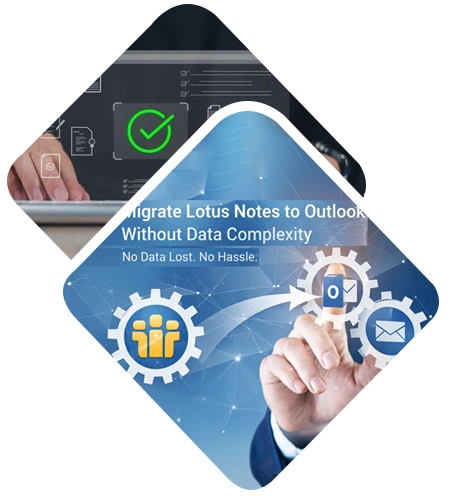
Migrate Lotus Notes to Outlook Without Data Complexity

DataHelp Software simplifies Lotus Notes to Outlook migration that allows users to convert their NSF files without any technical challenges or manual methods.

  • Convert NSF database files without requiring complex manual procedures.
  • Supports bulk NSF file processing for faster email migration tasks.
  • Allows selective conversion of specific folders or mailbox items.
  • No technical expertise required for complete NSF to PST process.
  • Ensures smooth transition from IBM Notes to Microsoft Outlook.
  • Works efficiently with large NSF database files.
  • Simple drag and drop interface for all user levels.
Convert NSF Files to PST Format

Advance and Accurate

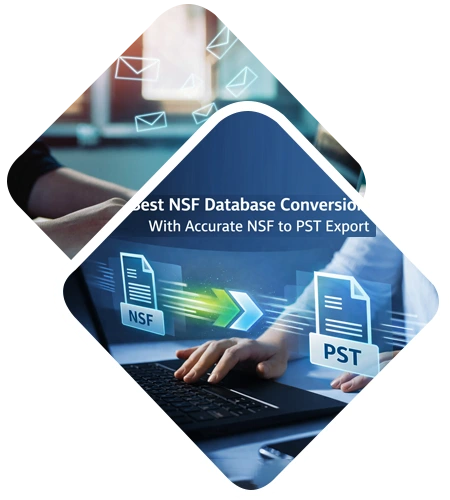
Best NSF Database Conversion With Accurate NSF to PST Export

Secure and Reliable NSF to PST Converter Software

  • Maintains original email formatting including HTML and inline images.
  • Preserves metadata like sender, receiver and timestamps accurately.
  • Generates Outlook compatible PST files for all versions.
  • Prevents duplication during batch NSF conversion tasks.
  • Properly maintains folder hierarchy and email properties.
  • Provides consistent results for large file size conversions.

Key Features of DataHelp NSF to PST Converter

Best Tool to Convert Lotus Notes NSF Files to PST

Bulk Convert NSF files to PST

Bulk Convert NSF files to PST

The NSF converter facilitates users to export Lotus Notes mailbox (Emails, Calendars, Tasks, Notes, Journals, names.nsf) into PST. Moreover, a user is provided with excellent feature to convert NSF to PST file format in bulk. It provides two different conversion options:

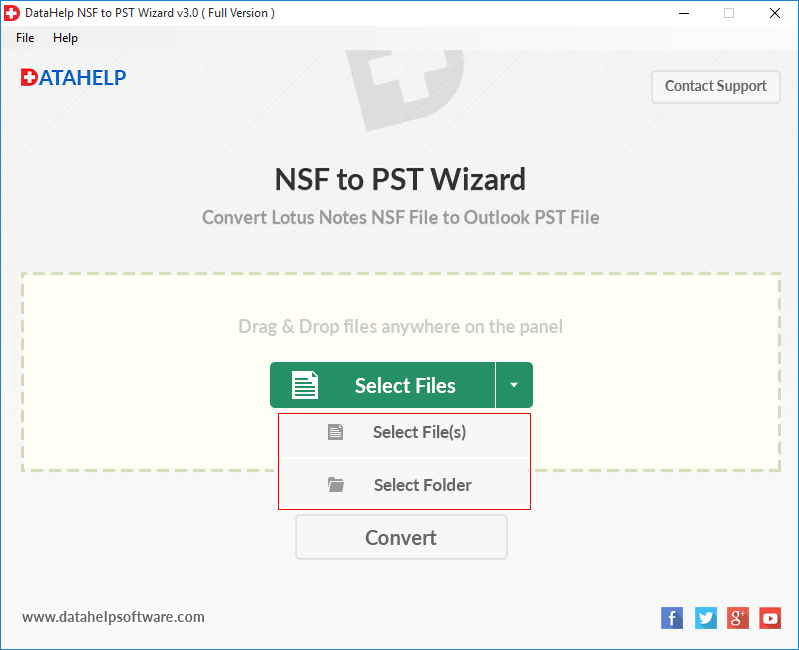
Migrates multiple NSF files/ folders at once.

Converts one NSF files at a time.

Dual Feature to Create PST Files

Dual Feature to Create PST Files

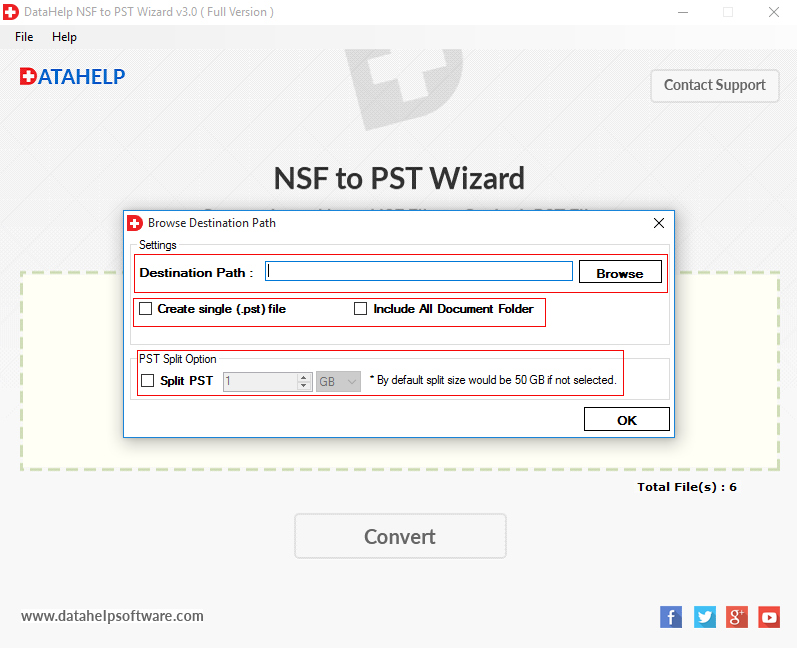
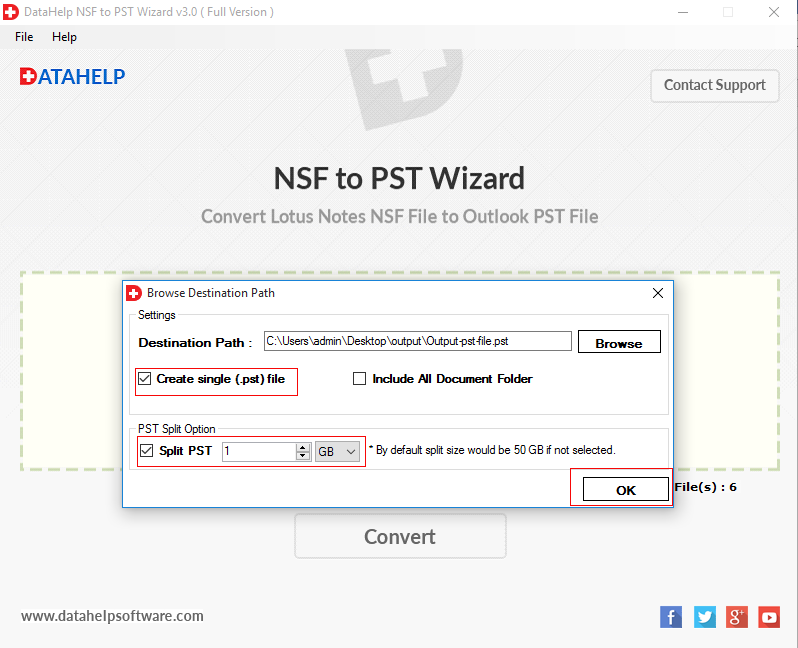
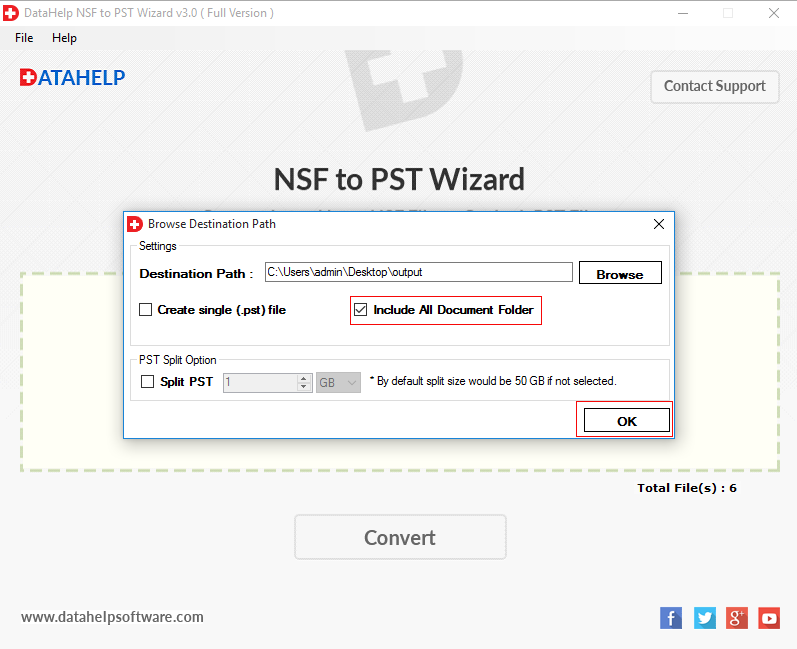
A user can convert unlimited number of NSF files into PST format. NSF to PST migration tool permits clients to make Outlook PST files in following two different forms:

Have a single PST file of numerous NSF files (Create Single (.pst) File).

Have multiple PST files for each browsed NSF files (Include all Document Folder).

Export Selectively NSF File to PST

Export Selectively NSF File to PST

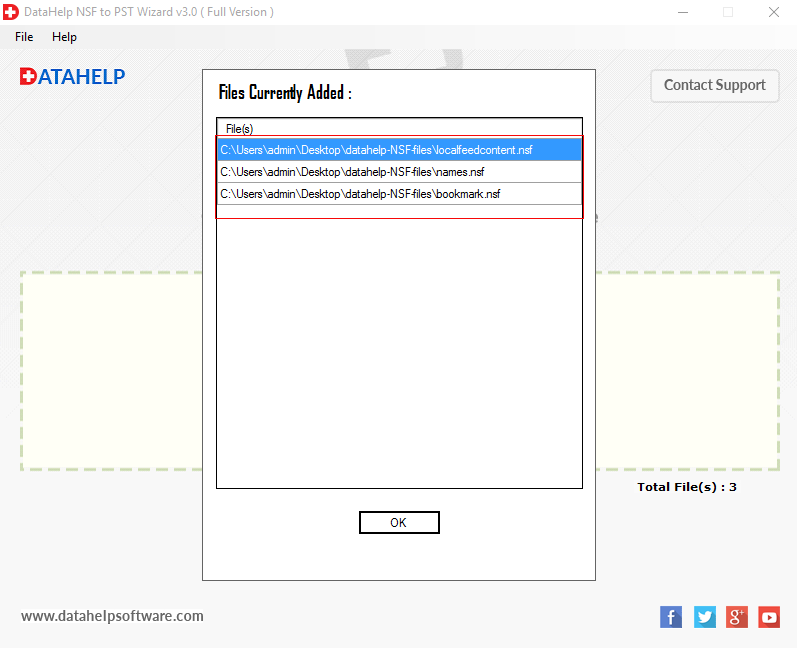
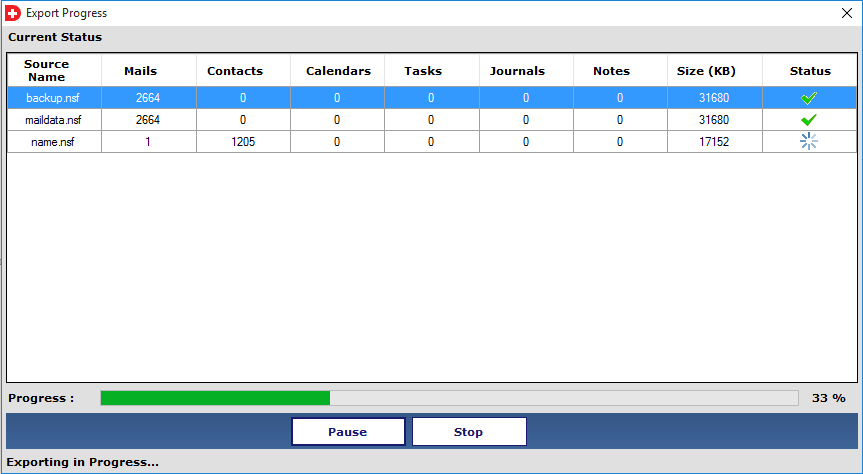
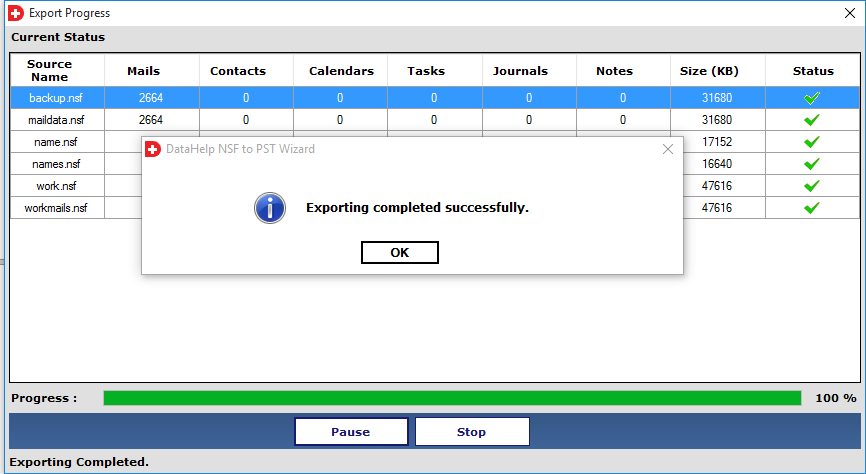
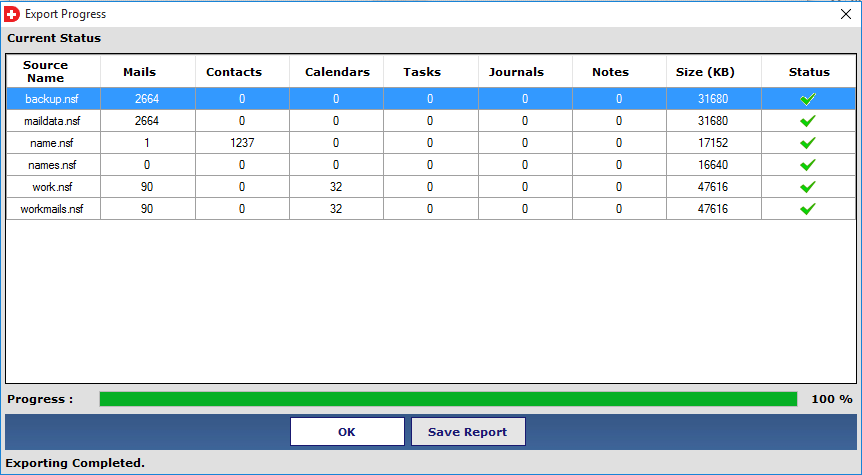
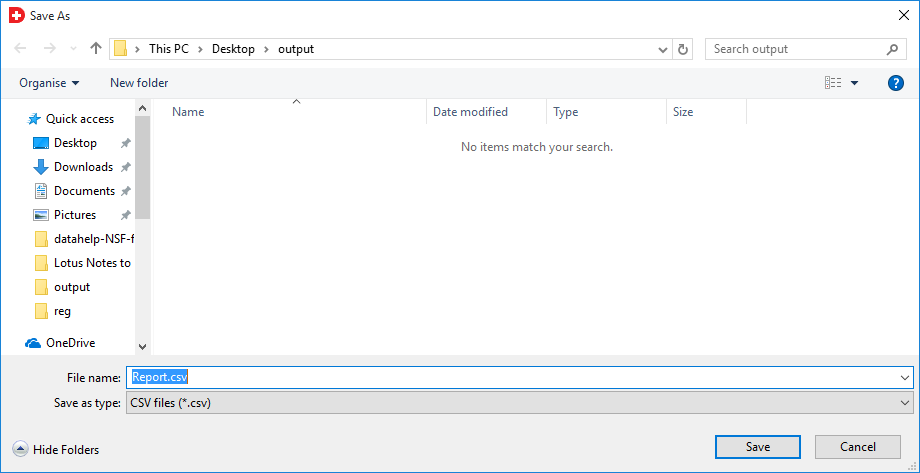
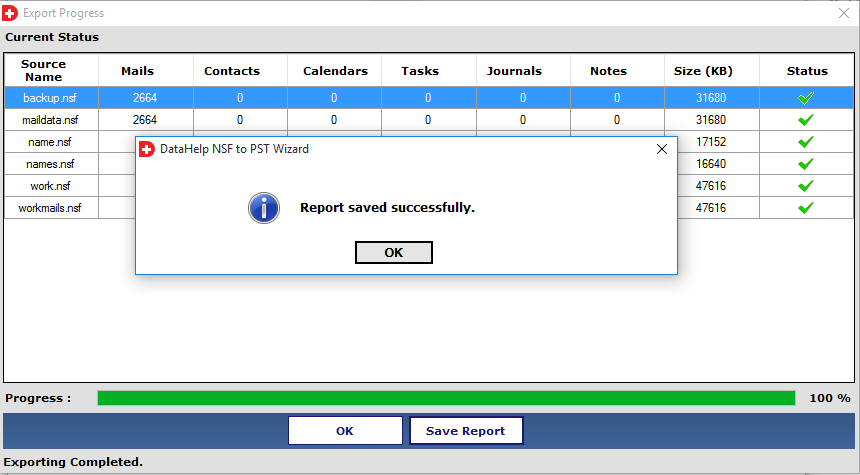
To perform selective conversion with the help of NSF converter, users need to import selected NSF files into the software panel. After that, the utility displays live status of conversion where users can track the conversion procedure & be able to see success count rate, status of conversion, etc., on the same wizard. Users can save the entire NSF file conversion report into an export report.

Drag & Drop Single/ Multiple NSF Files

Drag/Drop Single or Multiple NSF Files

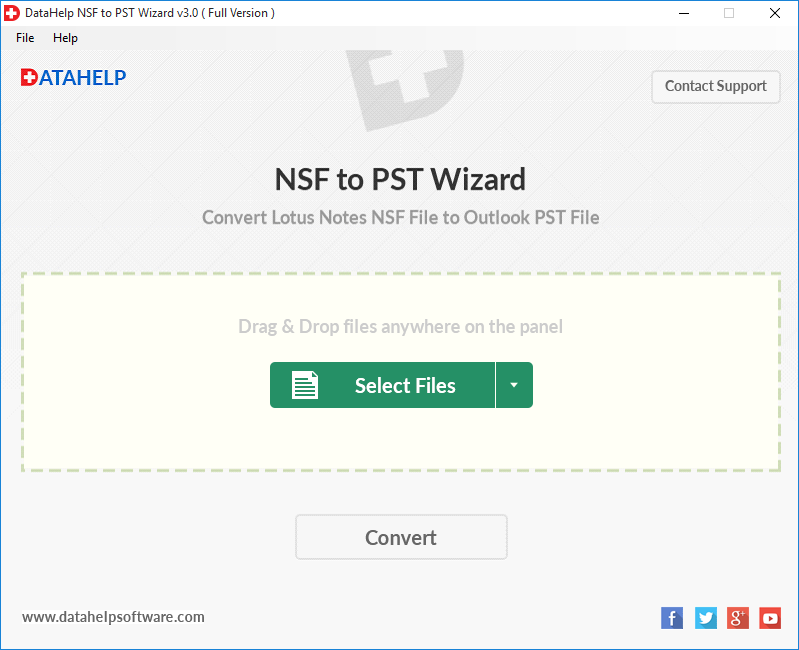
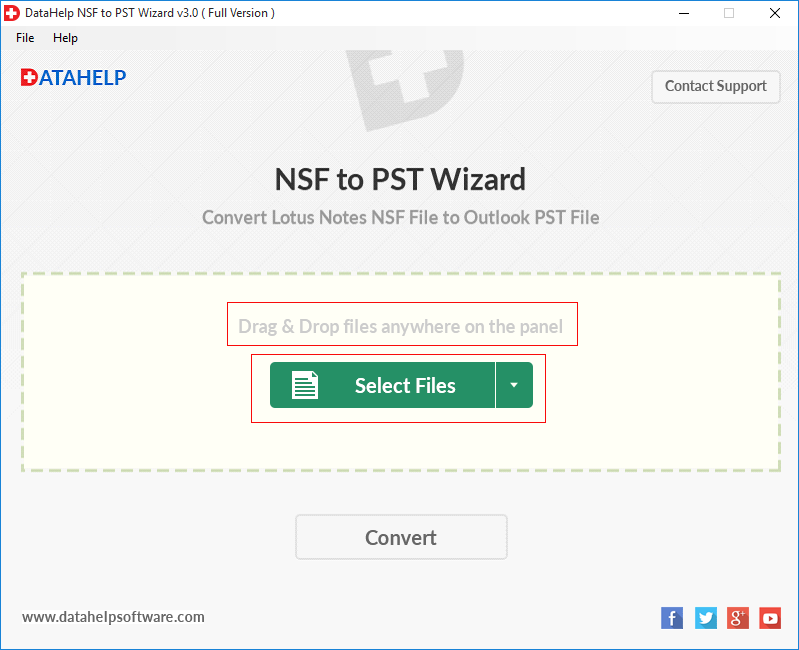
This IBM Notes NSF to PST converter tool has a unique functionality through which it provides users an option where users can drag any number of NSF files and drop them in center of the software screen. The software is capable of loading the IBM Lotus Notes database files, just after dragging and dropping them.

Save PST Files in Customized Way

Save PST Files in Customized Way

In addition to what the Lotus Notes to PST Converter does, the tool is also having some extra features for saving the output PST files, as per user’s demand. Software users are provided with a setting where they can save the PST file at any location. Including this feature, the users are permitted to change the default name of the converted file.

Maintain Original Properties

Maintain Original Properties

The exclusive property offered by Lotus Notes NSF to PST converter is that, it retains the integrity of data during the NSF to PST conversion. It provides data with all attributes/properties associated with emails, such as Cc, Bcc, To, message length, and all other header part, after it performs the export functionality from NSF emails.

Why Choose DataHelp Software?

Best NSF to PST Converter Software for Lotus Notes Migration

DataHelp NSF Converter

  • You can convert IBM Notes NSF files with full mailbox data accuracy.
  • Supports quick and secure batch NSF file conversion.
  • No risk of data loss during the Lotus Notes migration process.
  • Maintains folder hierarchy and email properties precisely.
  • Affordable solution with all technical support.

Other Online Converter

  • Limited support for large NSF database files.
  • There is a risk of data privacy during the online upload process.
  • Complete internet dependency is required for the conversion.
  • This may fail to save folder structure or attachments.
  • Lack of advanced features for professional migration needs.

Software - Technical Specifications

Requirement to Install NSF to PST Conversion Tool Full Version

DataHelp NSF to PST Converter

Version 3.0
File Size 12.7 MB
MD5: 202760cf8691963b780f7d32945f6b2f
License Trial / Full
Download Now

100% Safe & Secure Download

What's New in This Version

⚑ Faster Scanning Engine
πŸ” Improved Data Preview
πŸ›‘οΈ Enhanced Stability

System Requirements

  • πŸ’» Operating System: Windows 11, 10, 8.1, 8, 7
  • 🧠 512 MB of RAM (1 GB is Recommended)
  • πŸ’Ύ 60 MB of Free Hard Disk Space Required
  • βš™οΈ 1 GHz Processor(2.4 GHz is recommended)
  • πŸ“¦ Supports 32-bit & 64-bit OS
  • πŸ” Limitation: Demo version Will export only 10 items per folder
  • Additional Software: Outlook Email Client should be installed with any valid or dummy profile.
  • Lotus Notes: IBM Notes should be installed & configured.
  • Microsoft .NET framework 2.0

Prerequisites & Resources

Resources and guide how to use DataHelp NSF to PST Converter Wizard

Convert NSF Files to PST Format Software Guide

DataHelp Advanced NSF to PST Converter Software

Buy NSF to PST Converter Full Version

Purchase Full Version to Convert NSF File to PST Format

Free vs Full Edition – Feature Comparison

Download Full Version to Convert NSF File to PST Safely
Feature and Capability Free Edition Full Edition
Convert File From NSF to PST
The Preview NSF Data Option
Maintain Folder Structure
Supports All Windows Versions
Bulk Conversion Option
Option to Save Converted Files
Export NSF Files to PST Formats 10 Items / Folder Unlimited
Technical Support
Cost Free $69
Buy Links  Download Now  Buy Now

How DataHelp NSF to PST Converter Wizard Works?

Steps to Convert NSF File to PST Format Easily

01

Add Files

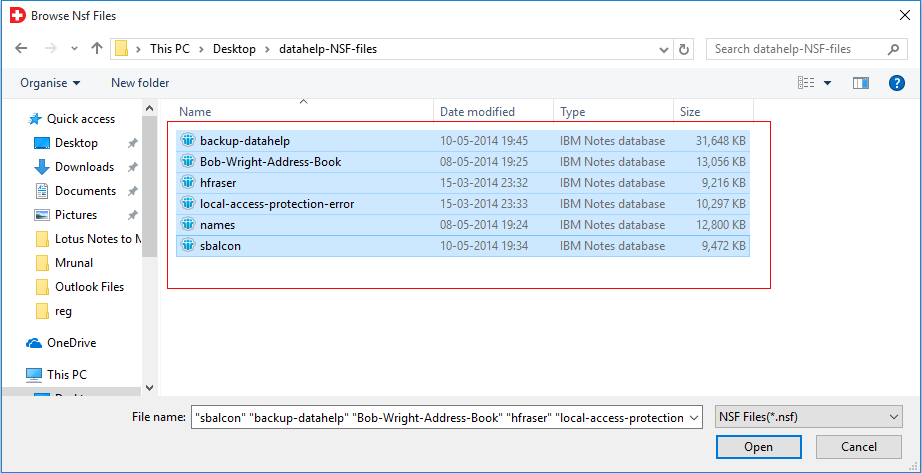
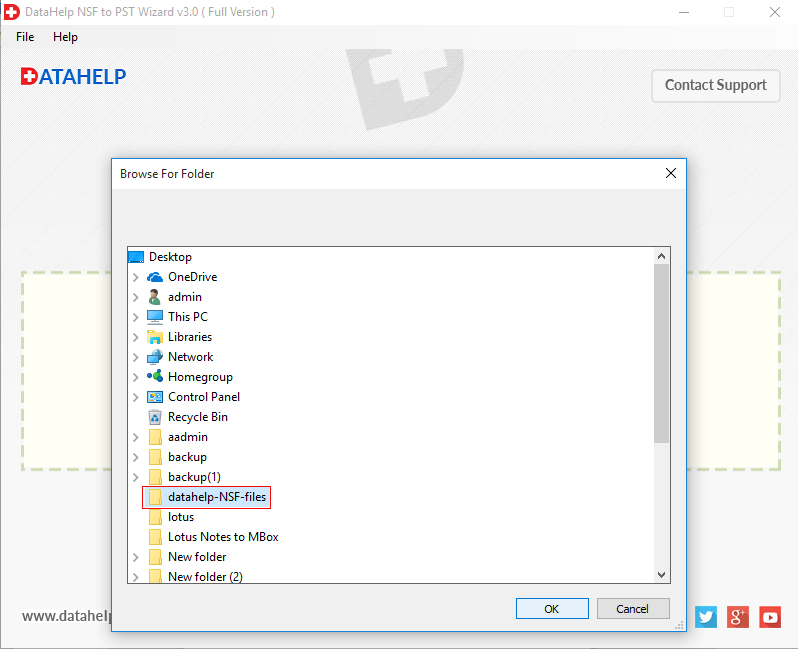
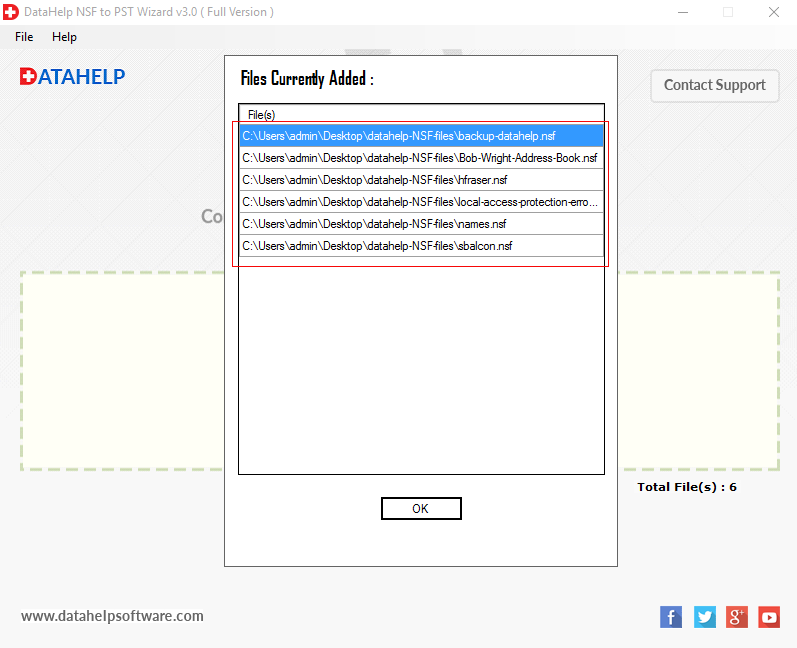
You need to upload your NSF files using drag and drop or you can choose the manual selection option.

02

Preview Data

Simple preview option so you can preview all mailbox items including emails, contacts & attachments before starting conversion.

03

Select Output

Software allows you to choose the PST format and define a destination path for saving your converted data.

04

Export Data

You can securely convert your NSF database into a PST file format with complete data accuracy using this software.

Trusted by Professionals Worldwide

DataHelp Software is the Most Trusted Option for Reliable Email Migration, Conversion and Recovery Solution.

Customer Reviews

Words of Our Happy Costumers

Awards & Reviews

techradar-vector-logo

techradar-vector-logo

techradar-vector-logo

techradar-vector-logo

Frequently Asked Questions

Answers to Common Questions - NSF to PST Converter Tool

You need to follow these steps to Convert NSF Files to PST Format

  • Step 1: - Download NSF to PST Converter Software and Install on Your System.
  • Step 2: - Either Browse or Drag and Drop NSF File into Software Environemnt.
  • Step 3: - Apply Advance Features (Date Filter & PST Split) If Required.
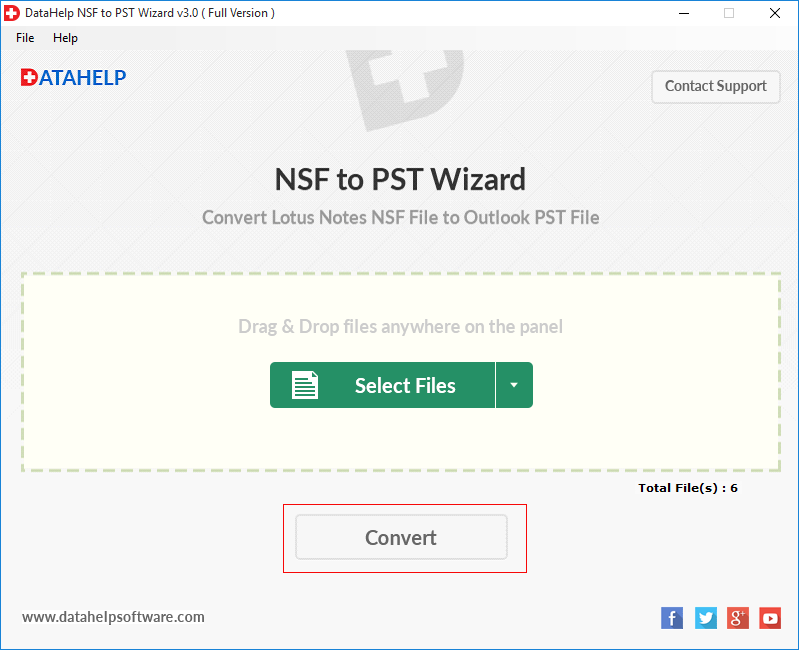
  • Step 4: - Select PST Radio button and Click on Convert Button.

Yes, Microsoft Outlook & IBM Lotus Notes required.

Yes, our software provides you an option to create a single PST file for bulk NSF files. You are free to use this feature for exporting multiple NSF files and saving them in PST file format.

Yes, it is completely free of cost too. You can download it from our official site. Before downloading the trial version, keep this in notice that it has a limitation in which you can convert only first 10 items from Lotus Notes NSF File to PST.

No, we are not restricted to any size constraint. You can convert your file of any size easily with the help of our software. without any risk. Moreover, it is suggested, always download full setup of any software to prevent virus attack.

Yes, if you are searching for such application, which provides detailed report of performing NSF files to PST migration then, our software is exactly the one for which you are looking for.