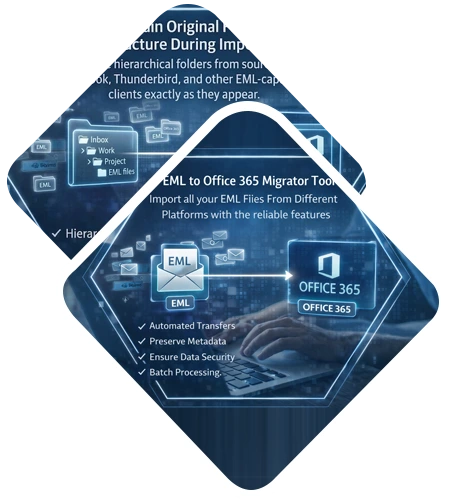
A quick and reliable solution to import EML files into the cloud-based Office 365 environment. DataHelp EML to Office 365 Migration Tool allows to export batch EML files from Outlook Express, Windows Live Mail, and Thunderbird directly to an Office 365 user account. Software allows to migrate EML files with complete attachments ensuring 100% secure and accurate EML to Office 365 migration process.

Free Live Demo - DataHelp EML to Office 365 Migrator Fully Secured Download Version
DataHelp EML to Office 365 Migration Tool is built by understanding real user challenges faced during EML to Microsoft 365 migration. The software is designed for both technical and non-technical users by offering a simple interface and guided workflow which removes manual complexity and also provides a secure, reliable and efficient way to import EML files into Office 365 for small as well as large-scale email migration projects.
Migrate All Mail Clients EML Files to Office 365 User Account with Attachments in Bulk
Import EML Files into Office 365
The Software is designed in such a way that it transfer all emails stored in EML files to Office 365 user account without any limitations. Moreover, while migrating EML emails, it migrates attachments also associated with each email. Apart from this, the tool also allows users to migrate EML to Office 365 (Exchange Online) user account in bulk also to save time.
Retain Meta Properties of EML Files
The another attractive feature about the EML to Office 365 migration tool is that while importing EML to Office 365 mailbox, the tool maintains all meta properties of the EML files. For example, it keeps Size, To, From, Inline, images, Subject, Bcc, Cc, Date etc., of the email intact as original after migration. Moreover, the EML to Office 365 converter tool is compatible with all version of the Microsoft Windows OS.
Date-Based Filter Option
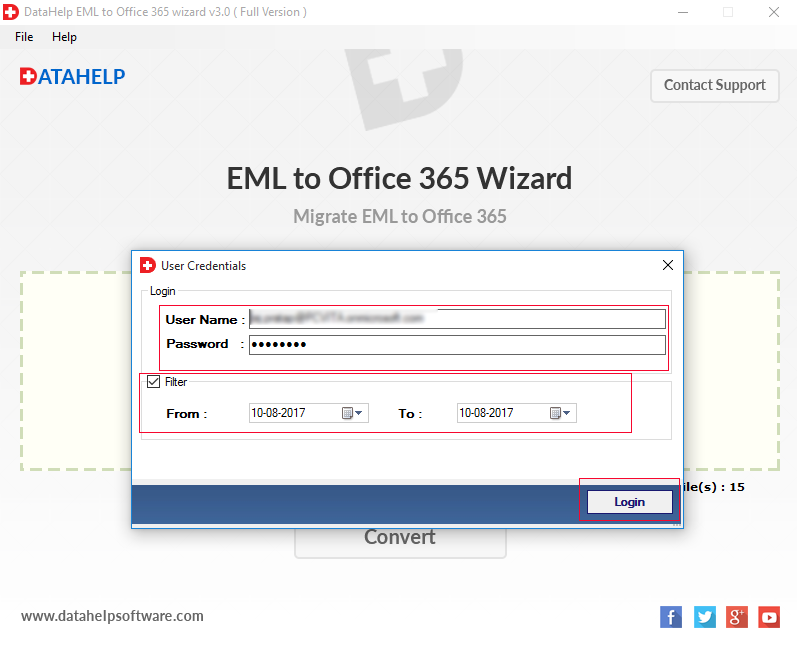
Apart from migrating all EML files, the migrator tool also allows users to perform selective data migration. One can use the new date-based filtering option offer by the tool to export specific EML files to Office 365 user account. A user just needs to specify the date range and the EML to Office 365 converter tool will migrate only that emails, which come under that specified date range.
Maintain On-Disk Folder Structure
The EML to Office 365 migration tool is programmed in such a manner that it prevents the confusion between the data by maintaining on-disk folder hierarchy into Office 365 user account. Moreover, the tool also ensures the integrity of data even after migration of EML to Office 365 account. It supports all mail client EML files migration.
Unlimited File Size & Generate Report
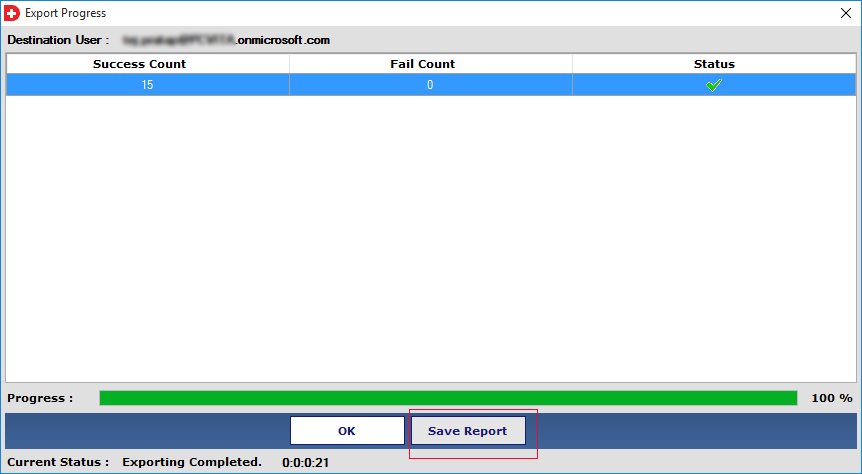
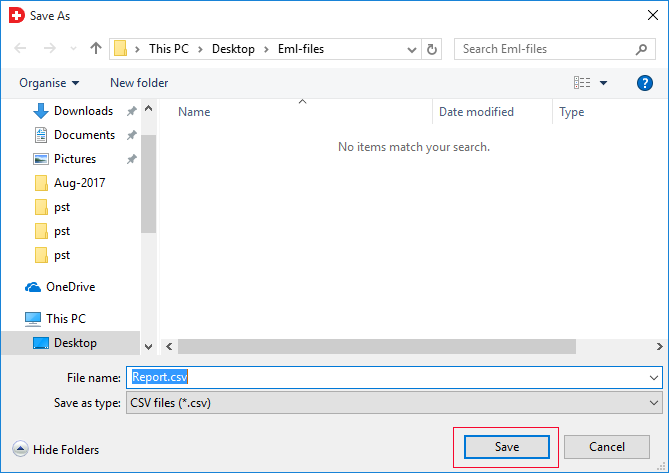
Using EML to Office 365 converter one can import large size EML files to Office 365 account without any trouble. The tool is completely free from any file size limitation. In addition, the tool maintains complete record of the migration process, including details of EML files and O365 user account and generate a report for future reference.
Pause & Resume Migration Process
In order to have an uninterrupted migration, the EML to Office 365 converter tool allows users to pause the process in between. It will be beneficial if there is an unreliable internet connection or stopped intentionally, which is easy to resume later on. As the process get paused, it can easily be resumed even after the application is closed and re-started again.
All Mail Client EML to Office 365
There are multiple email clients available which support EML files to store their emails data. One such email application is Windows Live Mail. this software will help you to migrate Windows Live Mail to Office 365 OWA. It is accurately export WLM EML files with attachment to Office 365 account without affecting the integrity of data.
Migrates Thunderbird EML to Office 365
DataHelp EML to Office 365 migration tool allows you to import EML files into Office 365 mailbox with attachments. The software independently works, you need to select Thunderbird email files (.eml) which you want to migrate into Office 365 account.
Supports Bulk & Selective Migration
Convert Multiple EML Files to Office 365, An additional benefit of this Tool lets you easily perform bulk & selective migration of EML files to Office 365 account. The software will keep all meta properties (header properties) in original format after performing bulk or selective EML files to Office 365 migration.
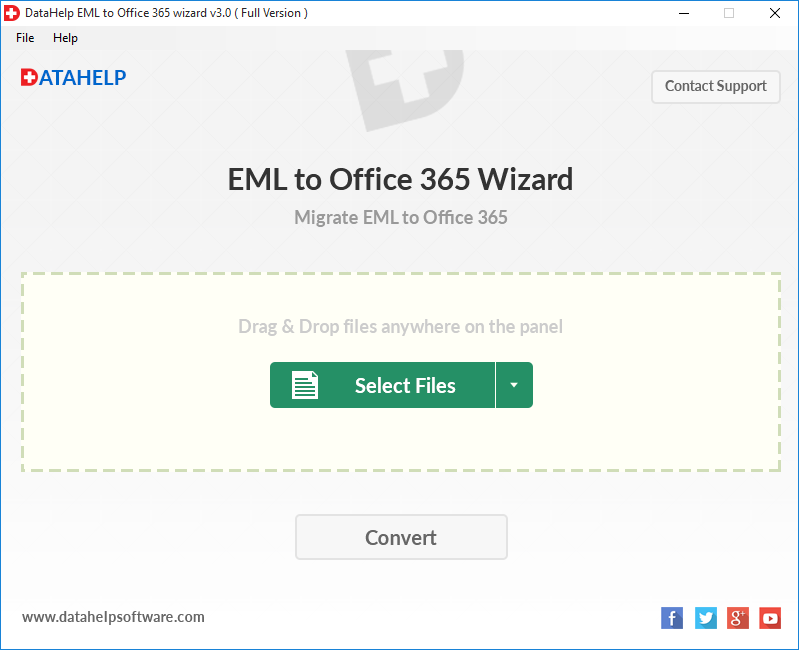
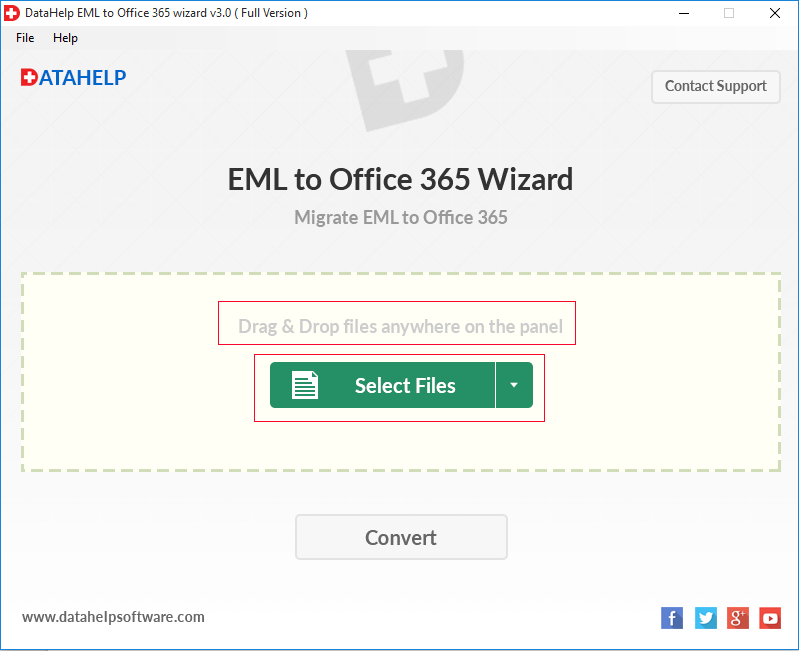
With the help of Tool Screenshots you can understand how tool help you migrate EML files in Office 365 Account
System Requirement to Migrate EML Files to Office 365 Account Using This Software
Limitations
Watch Video to Understand How to Migrate EML Files into Office 365 Account
What Our Client's Say About EML to Office 365 Migration Tool
User's Query Related to EML to Office 365 Migration & Their Solution
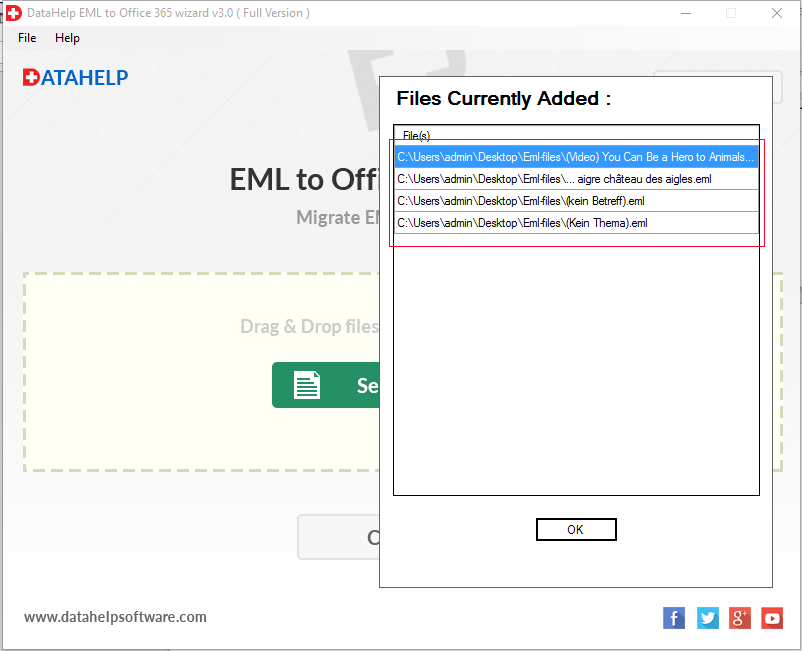
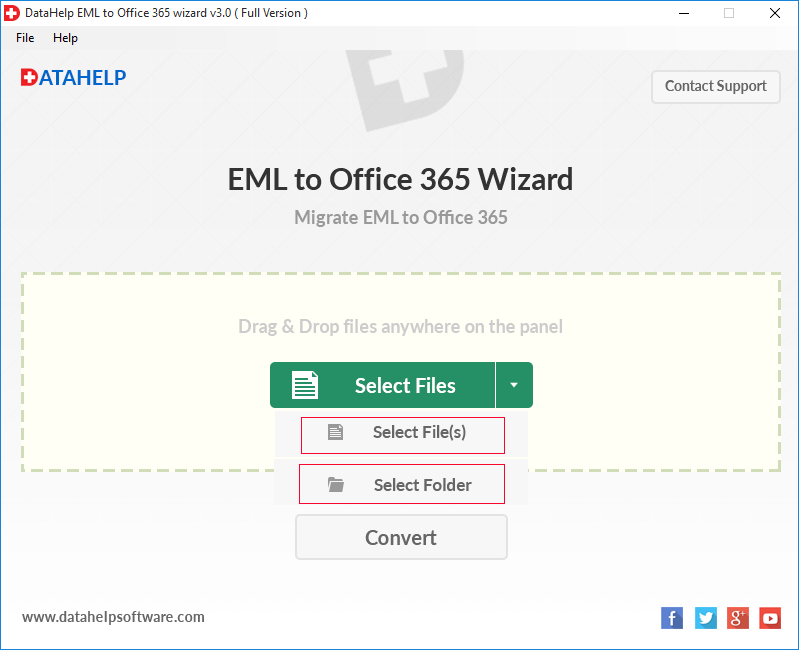
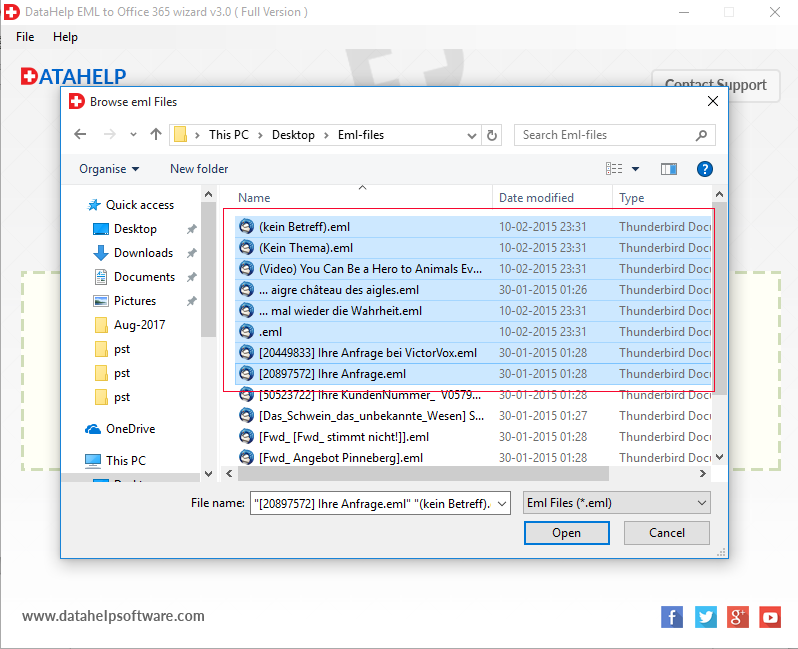
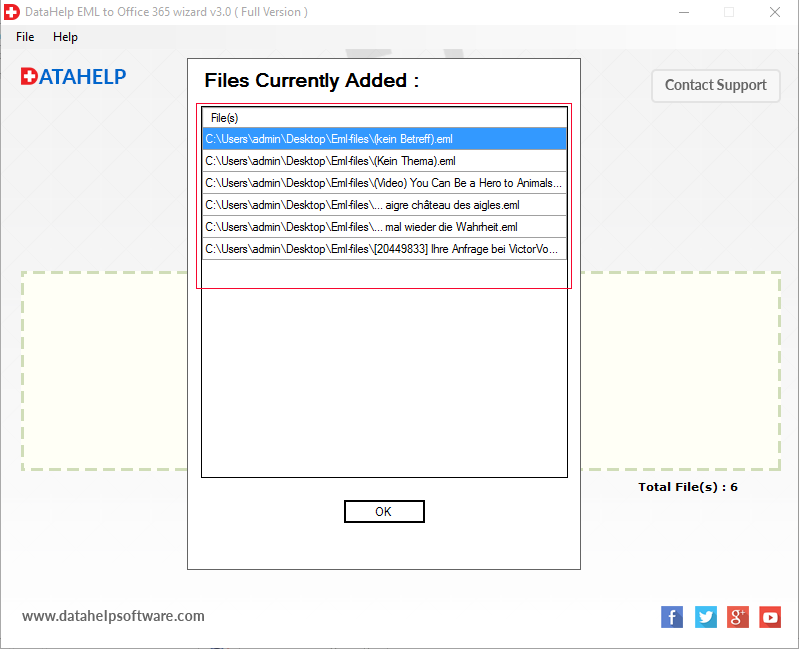
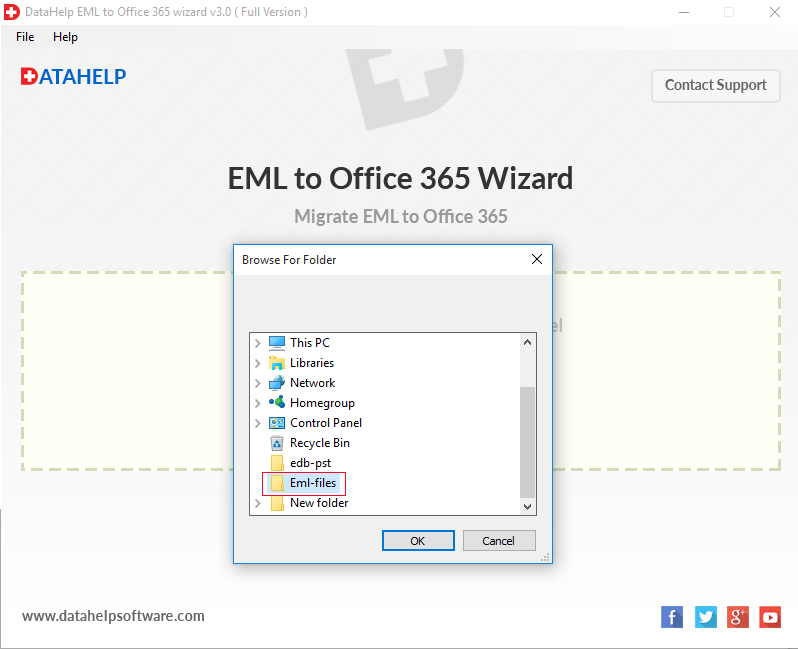
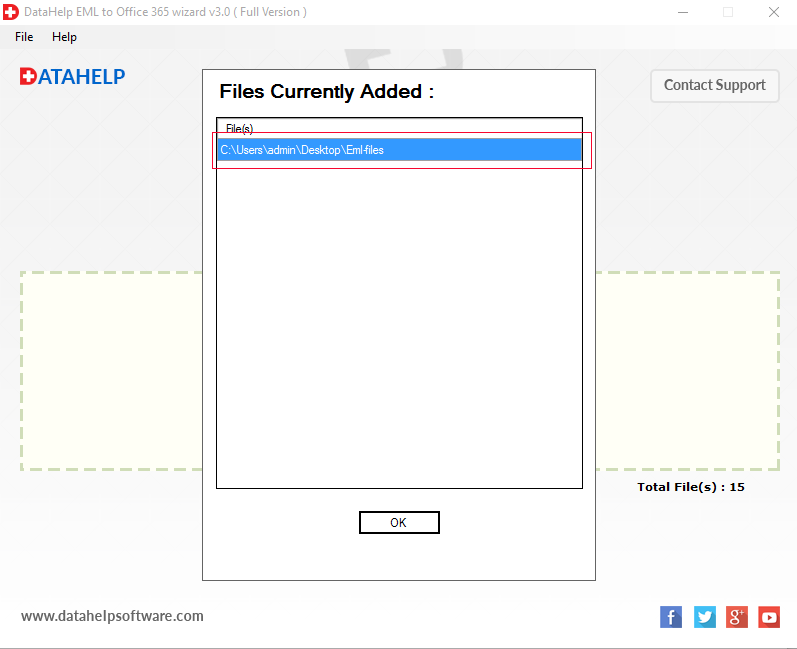
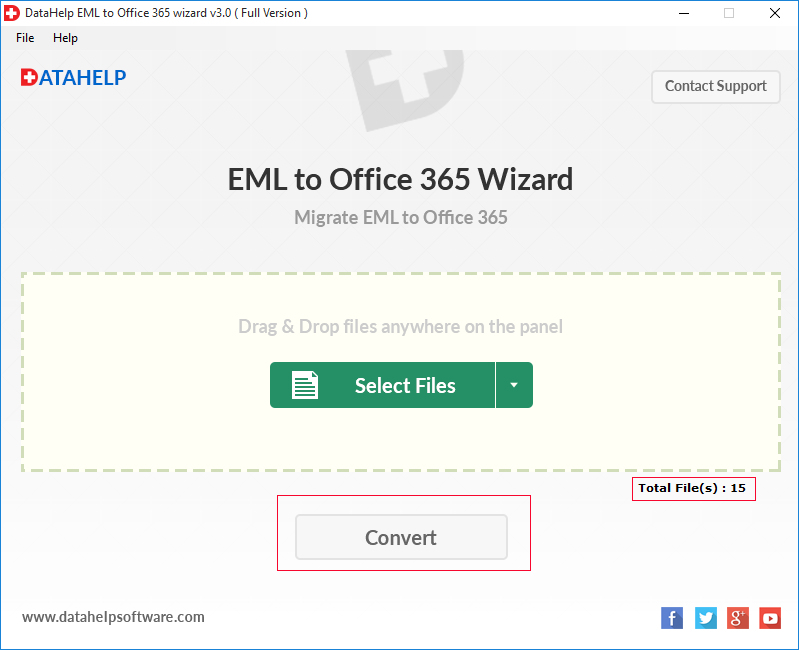
A. 5 Steps to Import EML to Office 365:
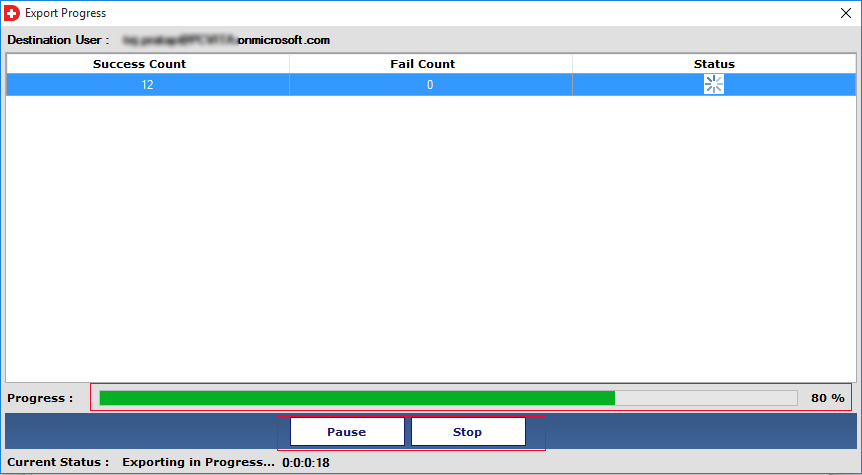
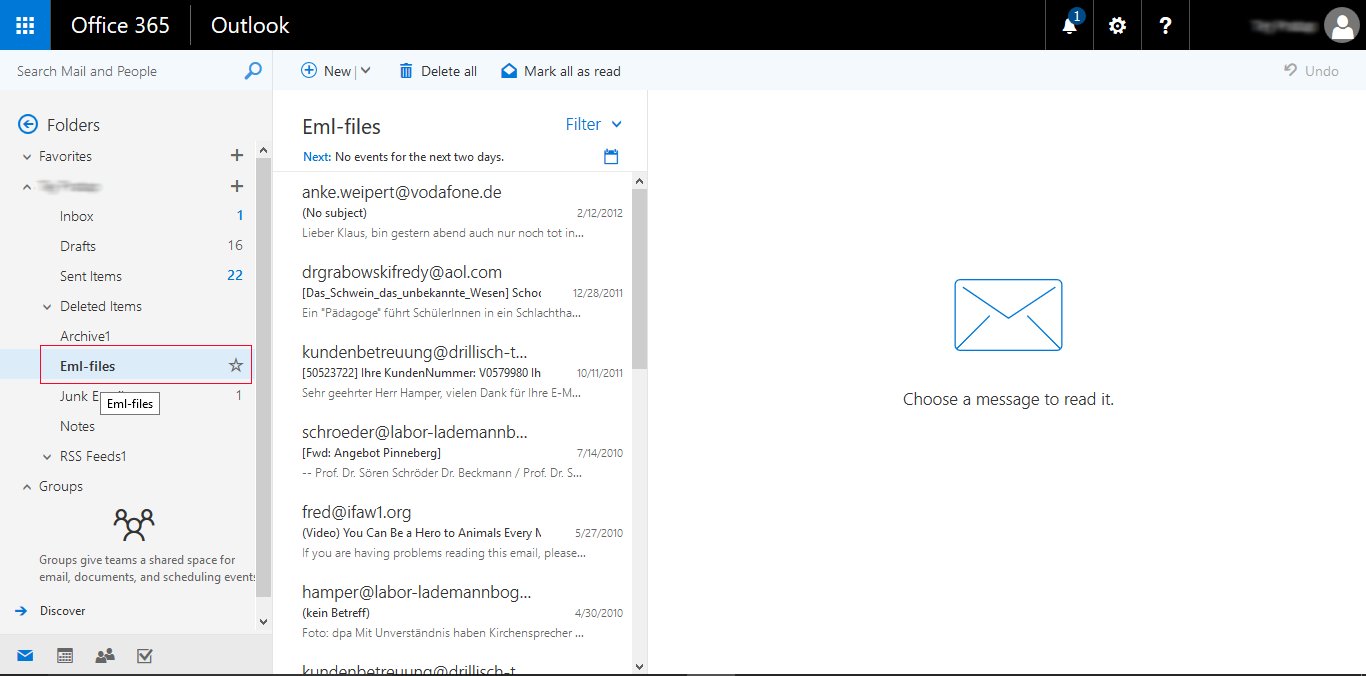
After completing process you will get entire EML files with their attachments into Office 365 account. By using this software you can also export EML files of multiple Email Client like Thunderbird, Outlook Express, etc.
Yes you can as the software supports batch migration that allows you to migrate multiple EML files or folders into Office 365 in a single process. Also it preserves your original mailbox folder structure such as Inbox, Sent Items, Drafts, Deleted Items, Junk Email, and Outbox during the migration.
Yes the tool supports and works with all Windows versions so if you are a Windows 10 or 11 user you can use this reliable tool.
No Microsoft Outlook is not required as our tool works independently.
Yes tool offers you the advanced feature so you can view email content and attachments before migration.
No, the software is not compatible with the Mac platform as it is completely Windows-based and you can download, install and run on Windows OS only.
Yes, using this EML to Office 365 Wizard a user can export multiple EML files to Office 365 account in a hassle-free manner.
No, the EML to Office 365 converter tool is designed in such a way that it does not require any extra installation to perform migration successfully.