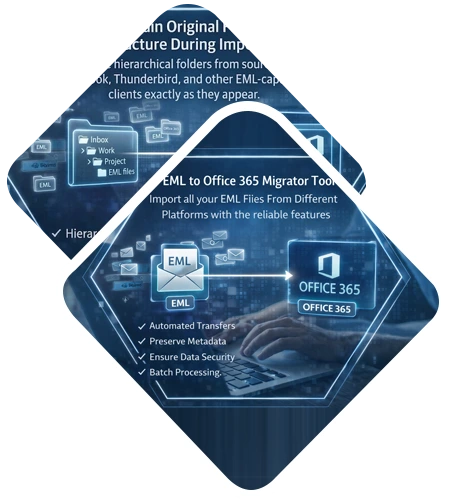
You can migrate email files directly into Microsoft 365 without requiring any admin credentials using DataHelp EML to Office 365 Migration Tool. You can Import EML emails with attachments into cloud mailboxes securely while maintaining structure, accuracy and complete data integrity.
Free Live - Trusted Worldwide, DataHelp Software Fully Secured Download Version to migrate from EML to Office 365.

Virus Total Safe
Download with Confidence: Certified Clean by 70+ Antivirus Engines
What Data Gets Converted from EML Files?
Emails
Import all your EML emails including Inbox, Sent Items and custom folders into Office 365 with their original formatting.
Attachments
During the EML file to Office 365 migration you can easily transfer all your attachments without altering their file format after uploading.
Folder Structure
When importing EML files into Office 365 you can easily maintain the original folder structure ensuring organized access to the mailbox.

Email Attributes
You can preserve metadata such as To, From, Subject, Date, etc during the migration process.
Quick Transfer
This DataHelp Tool Allows You to Import all your EML Files From Different Platforms with the reliable features.
Advance and Accurate
DataHelp Software Capabilities
Key Features of DataHelp EML to Office 365 Wizard
The Software is designed to transfer all emails stored in EML files to the Office 365 user account without limitations. Moreover, while migrating EML emails, it also migrates attachments associated with each email. Apart from this, the tool also allows users to migrate EML to an Office 365 (Exchange Online) user account in bulk also to save time.
Another attractive feature of the EML to Office 365 migration software is that while importing EML to the Office 365 mailbox, the tool maintains all meta properties of the EML files. For example, it keeps Size, To, From, Inline, images, Subject, Bcc, Cc, Date, etc., of the email intact as original after migration. Moreover, the EML to Office 365 converter tool is compatible with all versions of the Microsoft Windows OS.
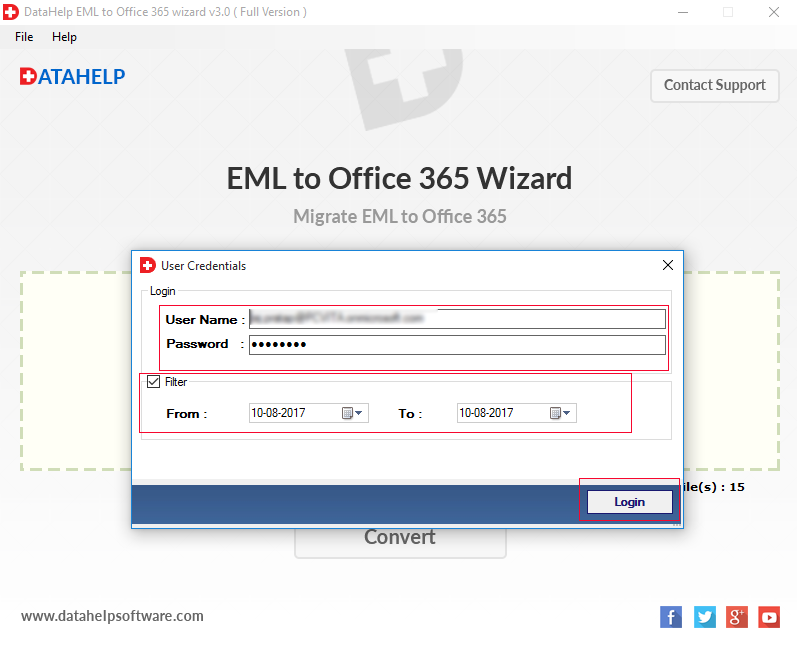
Apart from migrating all EML files, the migrator tool also allows users to perform selective data migration. One can use the new date-based filtering option offered by the tool to export specific EML files to an Office 365 user account. A user just needs to specify the date range and the EML to Office 365 converter tool will migrate only those emails that come under that specified date range.
The EML to Office 365 migration tool is programmed in such a manner that it prevents confusion between the data by maintaining the on-disk folder hierarchy in the Office 365 user account. Moreover, the tool also ensures the integrity of data even after migration of EML to an Office 365 account. It supports all mail client EML files migration.
Using the EML to Office 365 converter one can import large-sized EML files to an Office 365 account without any trouble. The tool is completely free from any file size limitations. In addition, the tool maintains a complete record of the migration process, including details of EML files and O365 user accounts and generates a report for future reference.
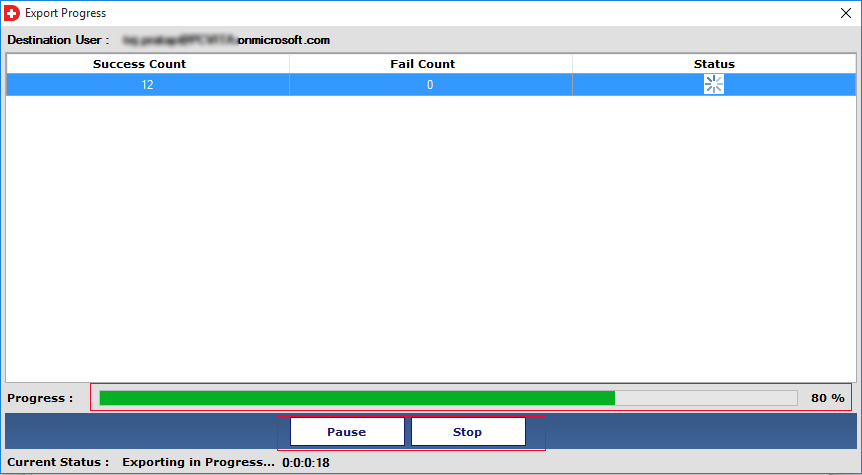
In order to have an uninterrupted migration, the EML to Office 365 converter tool allows users to pause the process in between. It will be beneficial if there is an unreliable internet connection or stopped intentionally, which is easy to resume later on. As the process gets paused, it can easily be resumed even after the application is closed and re-started again.
There are multiple email clients available that support EML files to store their email data. One such email application is Windows Live Mail. This software will help you to migrate Windows Live Mail to Office 365 OWA. It accurately exports WLM EML files with attachments to an Office 365 account without affecting the integrity of data.
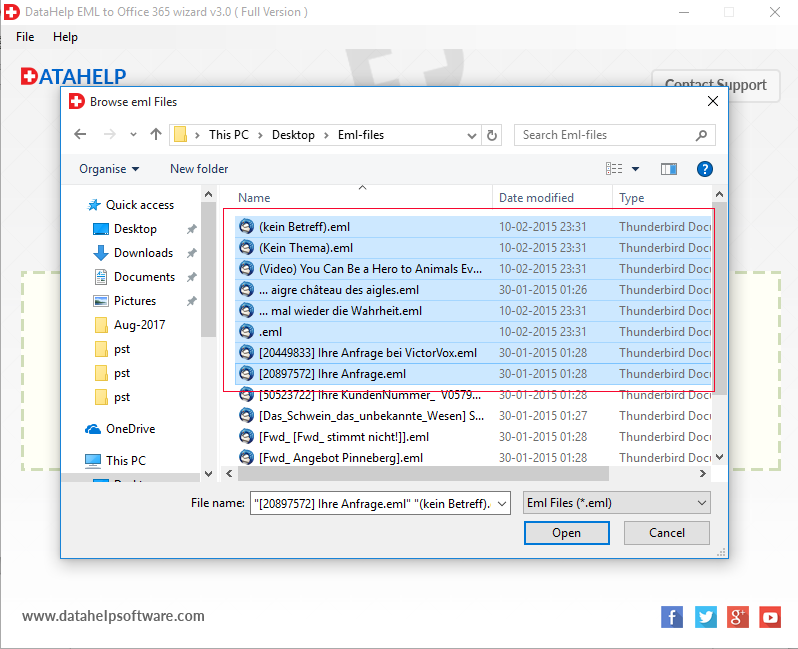
DataHelp EML to Office 365 migration tool allows you to import EML files into an Office 365 mailbox with attachments. The software independently works, you need to select Thunderbird email files (.eml) that you want to migrate into your Office 365 account.
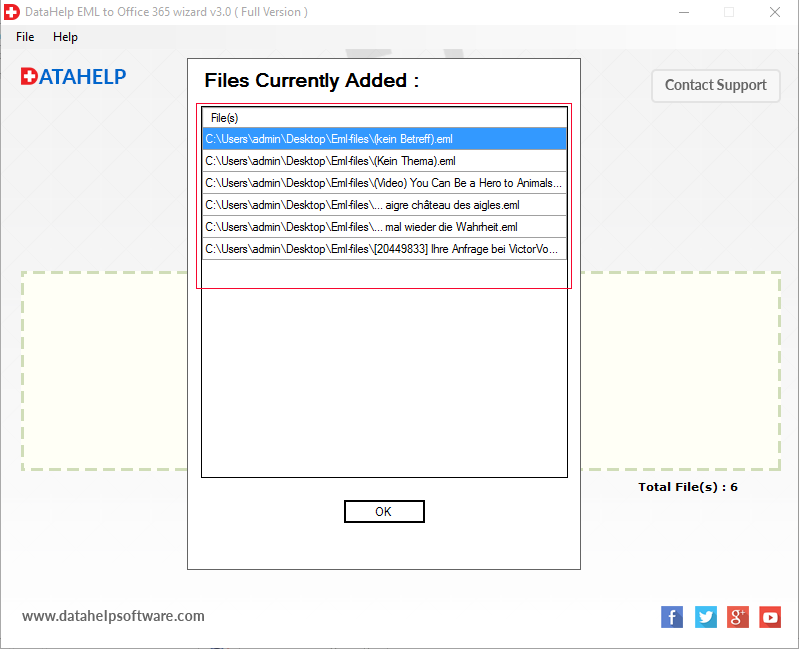
Convert Multiple EML Files to Office 365. An additional benefit of this Tool lets you easily perform bulk & selective migration of EML files to an Office 365 account. The software will keep all meta properties (header properties) in the original format after performing bulk or selective EML files to Office 365 migration.
Why Choose DataHelp Software?
DataHelp EML to Office 365 Migration Tool
Other Online Migration Tool
Software - Technical Specifications
100% Safe & Secure Download
Resources and guide how to use DataHelp EML to Office 365 Converter Tool
How to Migrate EML Files to Office 365?
Buy EML to Office 365 Convertor Tool - Full Version
Free vs Full Edition – Feature Comparison
| Feature and Capability | Free Edition | Full Edition |
|---|---|---|
| Import EML to Office 365 | ||
| Date Filter | ||
| Keep Folder Structure | ||
| Supports All Windows Versions | ||
| No File Size Limits | ||
| Bulk Upload to Cloud | Manual | |
| User Accounts | 1 Account | Multiple |
| Technical Support | ||
| Cost | Free | $49 |
| Buy Links | Download Now | Buy Now |
How DataHelp Migration Process Works?
01
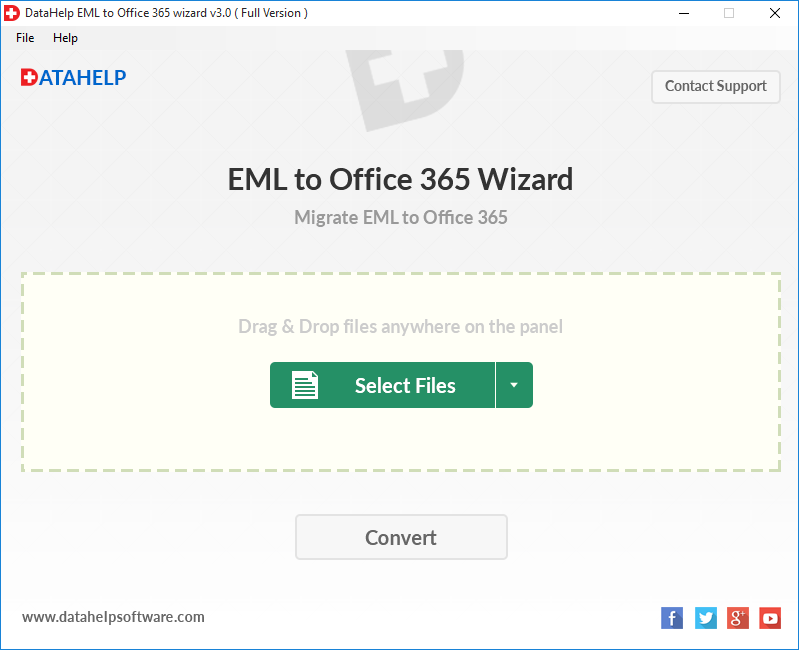
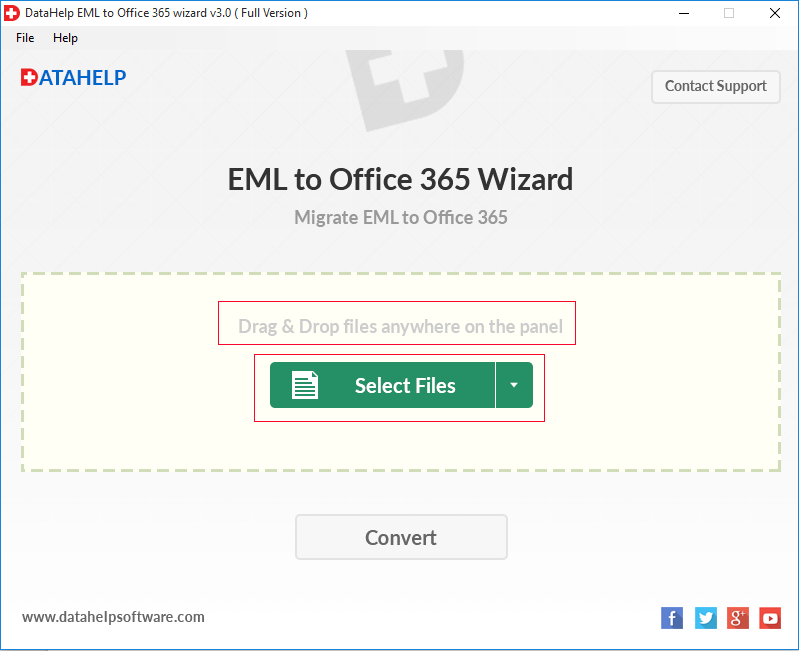
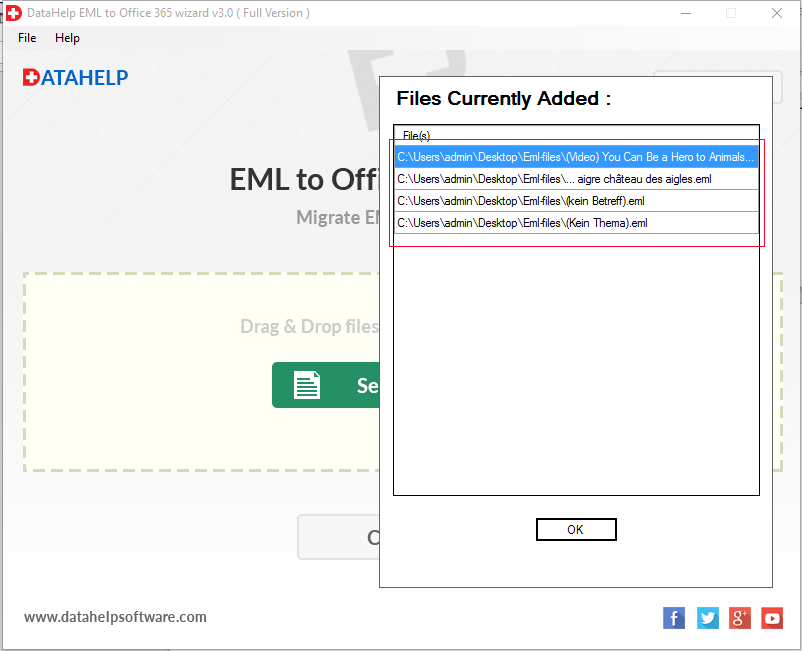
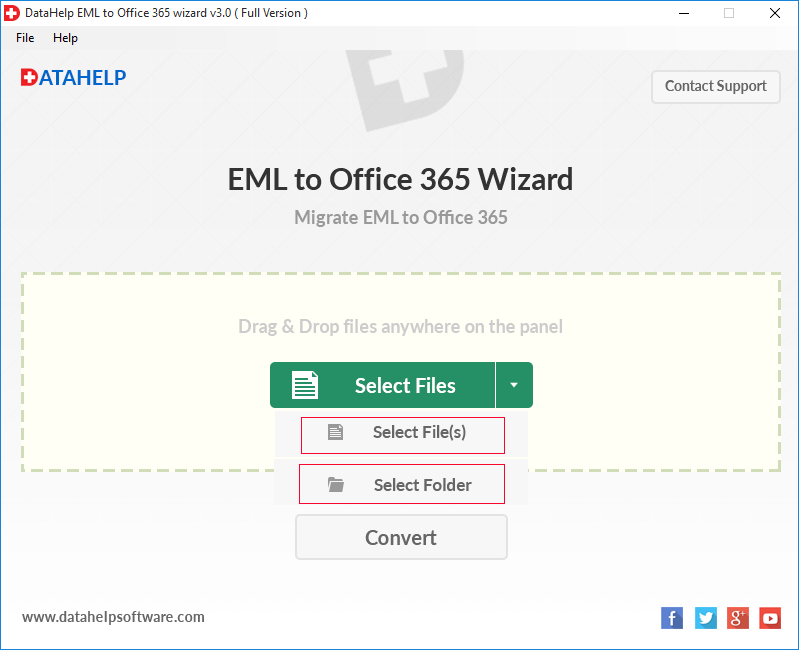
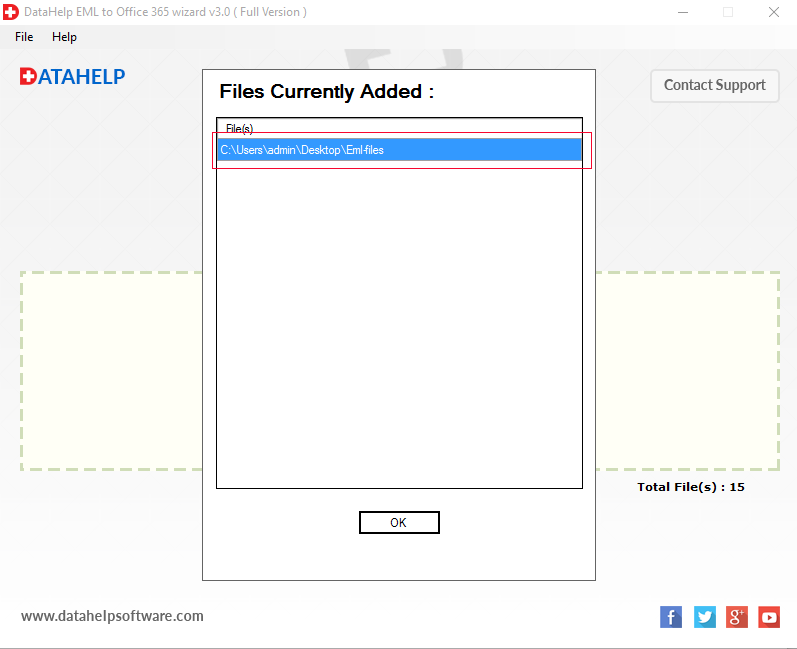
Select EML File
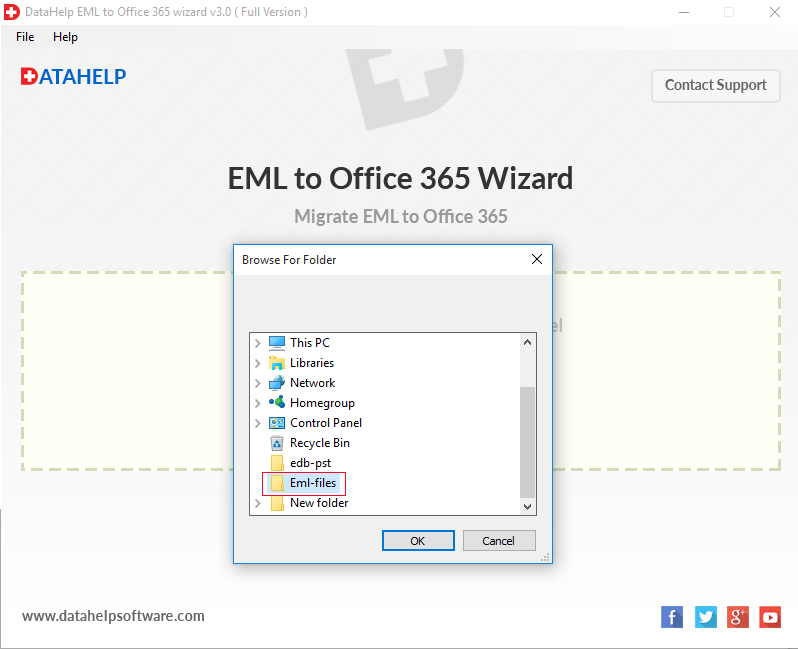
Open the tool and select the file that you want to import to Office 365.
02
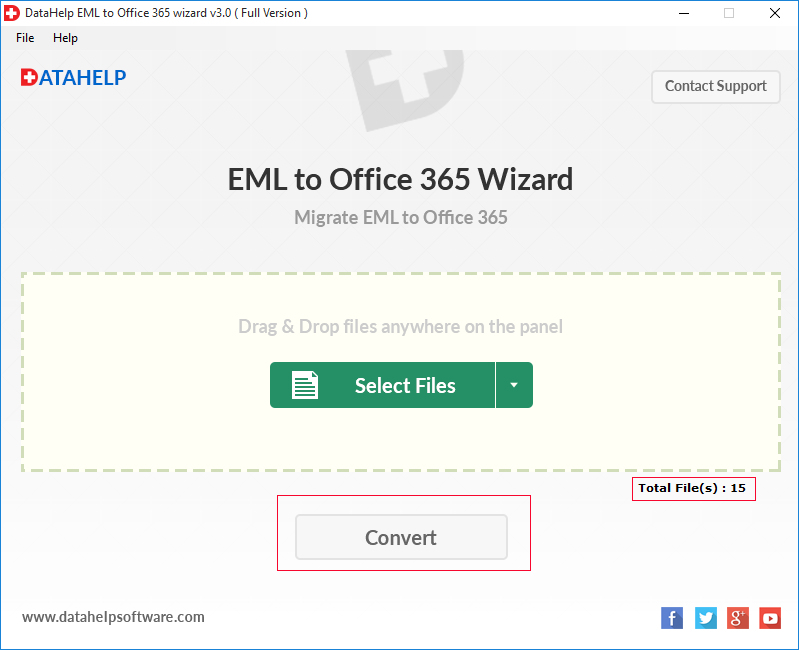
Migrate the File
After selecting, click on the Convert button to migrate EML to Office 365.
03
Save EML File
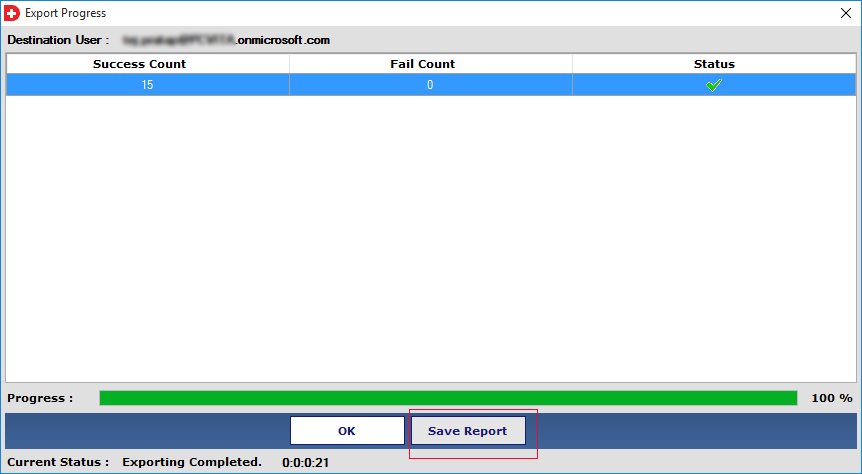
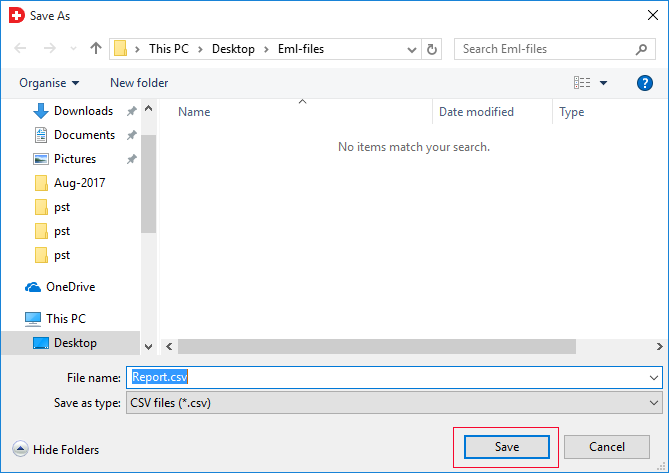
Select the location where you want to save the export and then click on the Save button.
04
View the File
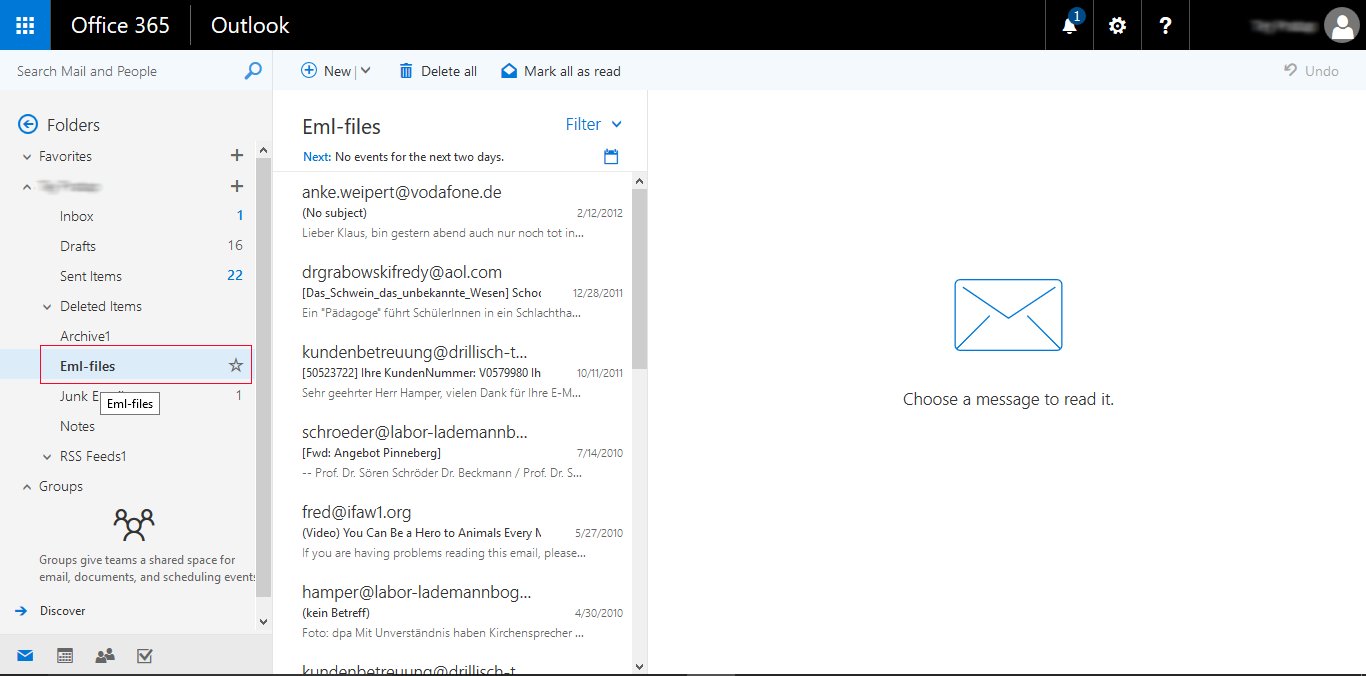
Now you can view the EML file and its attachments in Office 365.
Trusted by Professionals Worldwide
DataHelp Software - Best Option to Migrate from EML to Office 365.
Customer Reviews
Easy Transfer
When I decided to move my saved EML files to the cloud, I used this tool. It made it easy to upload EML files to Office 365 without losing attachments and I was able to save years of data easily.
Matilda Ryan, Australia
Saved Me Days of Manual Work
I used this software to batch import in one go as I was worried about manually moving my old Windows Live Mail data to my new Microsoft 365 account. It kept the folder structure the same and saved me time by importing all the files together.
Sara Al-Marzouqi, UAE
Simple Design
This tool has a simple and humanized layout where you just pick your files and log in. It was useful when I had various EML backups from different email applications and wanted them in my Outlook 365 Inbox.
Patricia Brown, USA
Safe and Private Data Transfer
I was worried about data leaks when I was moving sensitive client emails to the cloud. This migrator tool is safe and allows you to map your files directly to the right user accounts. It is a professional way to import EML files which also ensures that every subject line and data stays the same.
Lukas Hoffmann, Germany
Handles Large Migration Projects
We had a large archive that needed to be accessed in the cloud by the whole team. It processed thousands of files without slowing down the computers and helped me share the file.
Nathalie Richard, France
![]()
![]()
Frequently Asked Questions
No, the DataHelp EML to Office 365 Migrator Tool is a standalone application so you can migrate EML files directly even if you do not have any email clients installed on your computer.
Yes, this tool helps you to import EML files while keeping the original folder structure so you do not have to waste time reorganizing your inbox.
You can move thousands of emails at once as this software can upload the EML files in bulk and it can also handle large batches which saves you a lot of time.
Yes, this migrator tool has a smart date-filter option that allows you to export the files within a specific time frame which ensures that you only move data that is important.
Your attachments are treated the same way as your emails. When you migrate EML files every document, image and PDF stays attached to the original message.
Yes, this EML to Office 365 migration tool uses a secure process that never stores your passwords and ensures that your cloud account remains private.